Free Virtual Diamond Ring Try-On AI Tool
Wondering how a diamond ring would actually look on your hand? Snap a photo or use your camera, pick a style, and our AI tool shows it on your finger in seconds.
No watermark · Free to try · Works on mobile
Try Diamond Rings Virtually on Your Hand
Upload a photo, choose a ring, and the AI sets it on your finger at the right size, with real sparkle and lighting. Maybe it's an engagement ring, maybe an anniversary gift, maybe just something for yourself. Either way, you get to see it on your hand before you spend a thing.
- Use a photo from your gallery or your live camera
- Nudge the ring's size, angle, and position until it sits right
- Line up a few diamond rings side by side on the same hand
Upload a Photo of Your Hand
These issues may affect the quality of your generated try-on image:
Your Previous Uploads
0 imagesNo previous wrist uploads found. Upload one above to get started!
Choose a Ring
Loading ring gallery...
See it Come to Life!
Click Generate to see your ring on your hand
Generating your try-on image...
Your Try-On Collection
View all your generated ring try-ons
No generated images yet. Start by uploading a hand photo and selecting a ring!

How Our Virtual Diamond Ring Try-On Works
It only takes a few simple steps.
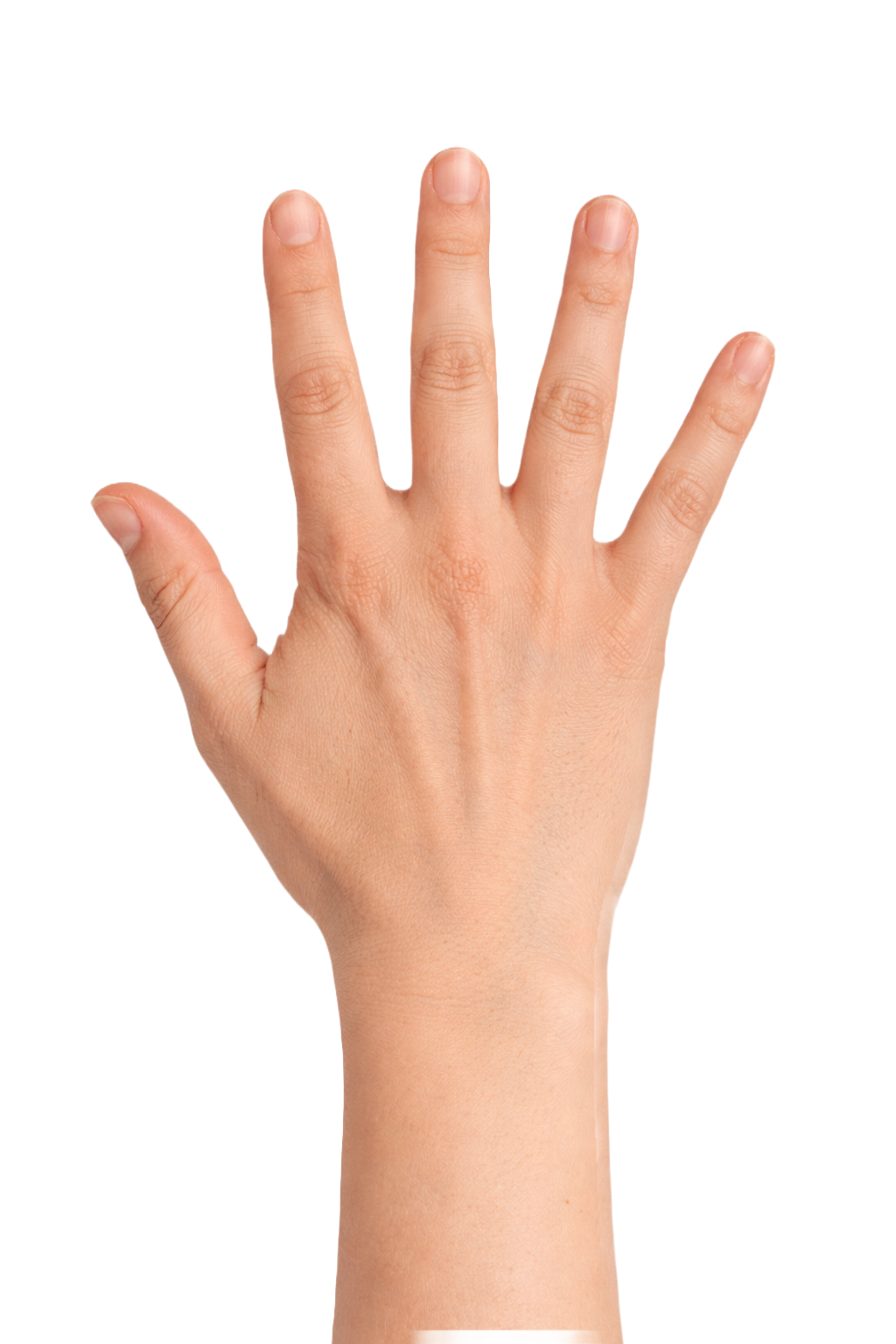
Add your hand
Snap a photo of your hand or pull one from your camera roll. A clear shot in daylight gives you the cleanest result.
Pick a ring
Browse rings on our site by diamond shape, setting, or metal, then tap the ring you want to try on first. Or, upload your own ring photo.
See it on your hand
The AI sizes the ring to your finger and matches the light in your photo, so the result looks like you took the picture already wearing it.
Save the ones you love
Shortlist the rings that catch your eye and put them next to each other so you can compare and decide.
Explore Diamond Rings You Can Try On
Browse the collection and try any of them on your own hand. Tap one to get started.
Solitaire diamond rings
One stone, one clean band. It's the look most people picture when they think of a diamond ring, and it suits just about any hand.
Try OnHalo diamond rings
A circle of tiny diamonds wrapped around the main stone. It makes the centre diamond read bigger and throws off a lot more sparkle.
Try OnThree-stone diamond rings
One larger diamond with a smaller one set on each side. People read them as past, present, and future, which is why they show up so often at engagements and anniversaries.
Try OnDiamond eternity rings
Diamonds set around the band, either all the way or halfway. It's a classic anniversary gift, and it stacks nicely alongside other rings.
Try OnCluster & cocktail diamond rings
The bold ones. Lots of smaller diamonds grouped together into a single eye-catching statement. Perfect as a standout ring for your right hand.
Try OnLab-grown diamond rings
Real diamonds, just grown in a lab instead of dug out of the ground. They look identical to mined ones and usually cost a fair bit less, so your budget goes further.
Try OnWhy Try Diamond Rings Online?
Four reasons a virtual try-on beats guessing from a photo, so you know the ring is right before you spend anything.
See it before you buy
A diamond on a model's hand in a catalogue tells you almost nothing about how it'll sit on yours. Try it on first and there are no surprises later. You'll see the real size, the sparkle, and how it suits you before you spend a penny.
Find out how big a carat really is
"One carat" sounds like a lot, but on the finger it depends on your hand and the cut of the stone. Try a few carat sizes on your own hand and you'll know exactly what you're getting, instead of guessing from a number on a page.
Compare without the headache
Solitaire or halo? Gold or platinum? Put them on the same hand, one after another, and the choice that felt impossible a minute ago usually sorts itself out fast.
Buy without second-guessing
Engagement ring, anniversary gift, or a treat for yourself, this takes the guesswork out of it. You'll know the ring is right before you ever hand over a card.
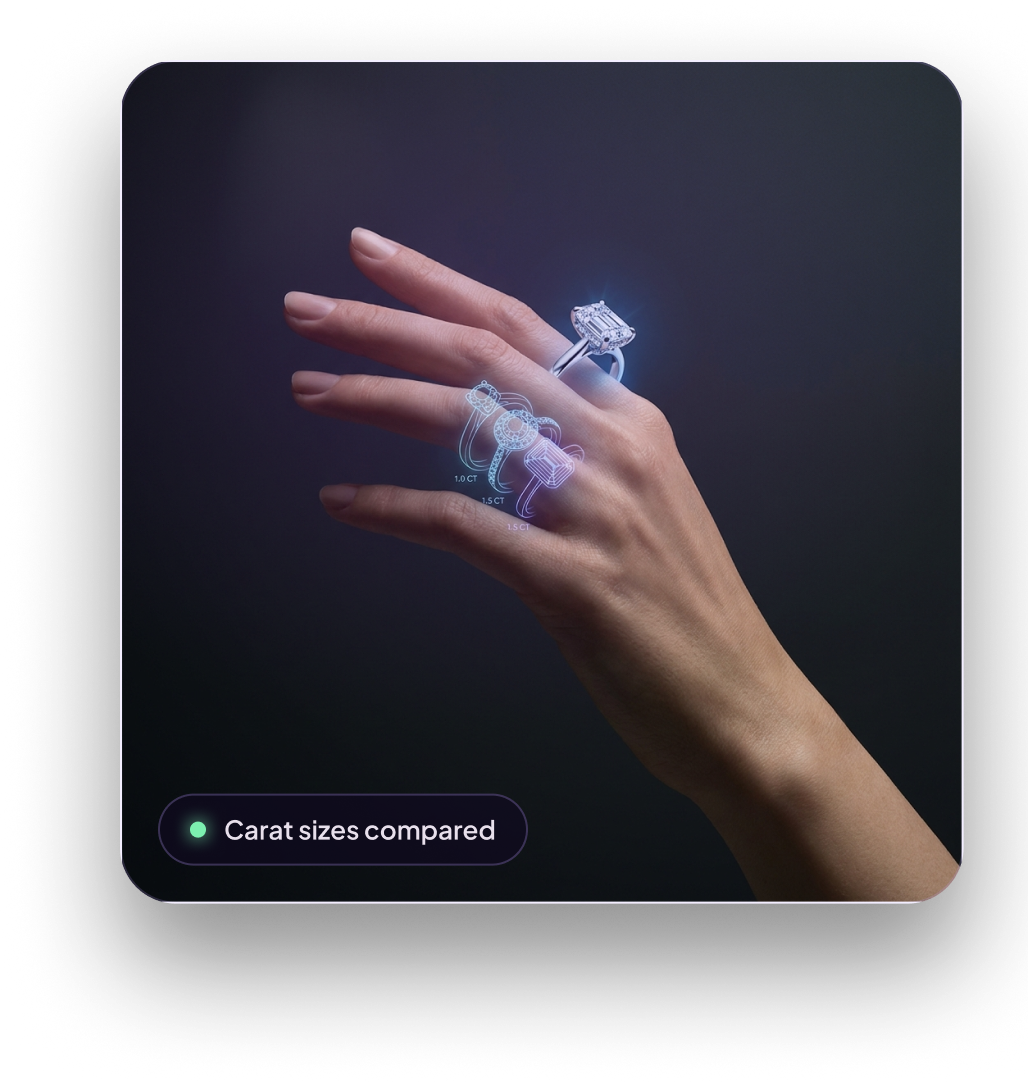 Carat sizes compared
Built to Show a Diamond Properly
A diamond is the hardest thing to fake. The whole point of it is the way it throws light around, and a flat cut-and-paste kills that the moment you look. So we built the AI to handle the part that actually matters.
It catches light like the real thing
A diamond sparkles because light bounces around inside the cut. The AI reads the light in your photo and matches it, so the stone looks alive on your finger instead of painted on top.
It gets the size right
A carat number is just a number until it's sitting on a finger. The AI scales every diamond properly, so a one carat looks like a one carat on you, not a size bigger or smaller.
It sits where a real ring sits
It reads the angle and shape of your finger and fits the ring to it, so the band sits where a real one would instead of floating flat on top.
It keeps the metal true
Platinum, white gold, yellow gold, rose gold. Each one frames a diamond differently, and the AI shows the real colour against your skin so the whole ring looks honest.
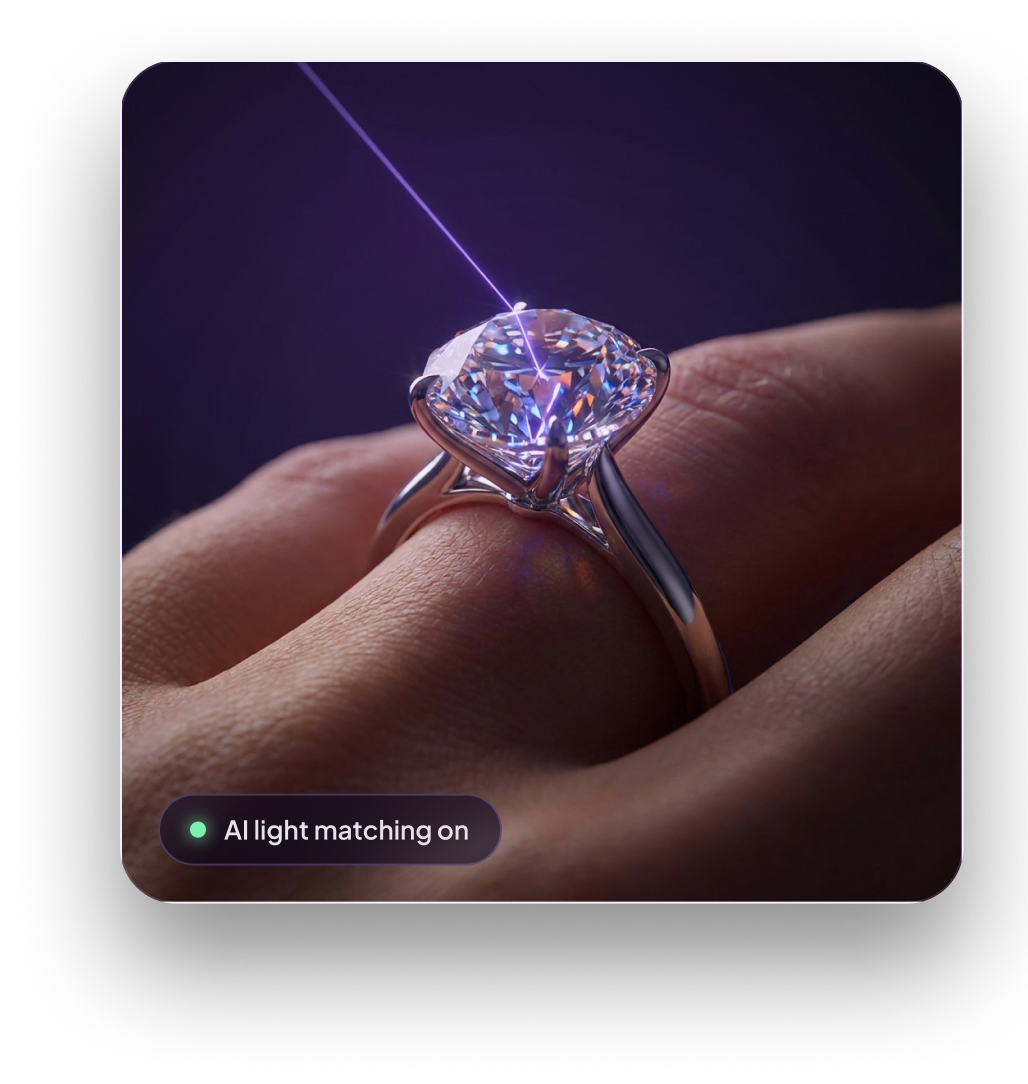 AI light matching on
Virtual Try-On vs Traditional Ring Shopping
Do all the browsing and comparing from your own couch, for free, with nobody hovering over your shoulder. Then save the trip to the shop for the one ring that already won.
Find the Perfect Diamond Ring for Your Style
Taste is personal, so you can tweak the ring until it feels properly like yours.
Pick your diamond shape
Round, princess, oval, cushion, emerald, pear, marquise. Pick the shape you keep coming back to and see how it looks sitting on your hand.
Try a few carat sizes
Half a carat, one, two. Try each size on your own finger to see how it reads and work out where your money is best spent.
Choose your metal
Yellow gold, white gold, rose gold, platinum. The metal you choose changes the whole feel of the ring against your skin.
Set the band
Keep the band plain, or go pavé, which lines it with tiny diamonds for extra sparkle running down the finger.
What People Say After Trying It
"I finally get what a one-carat actually looks like on my own hand."
"Looked so real I had to double-check it wasn't a photo of a ring I already owned."
"Tried about twenty styles on the couch, then walked into the shop knowing exactly what I wanted."
Frequently Asked Questions
See Your Diamond Ring on Your Hand Now
Our free AI try-on puts any diamond ring on your own finger in seconds. No watermarks, easy to download and share.
Try Diamond Rings Now