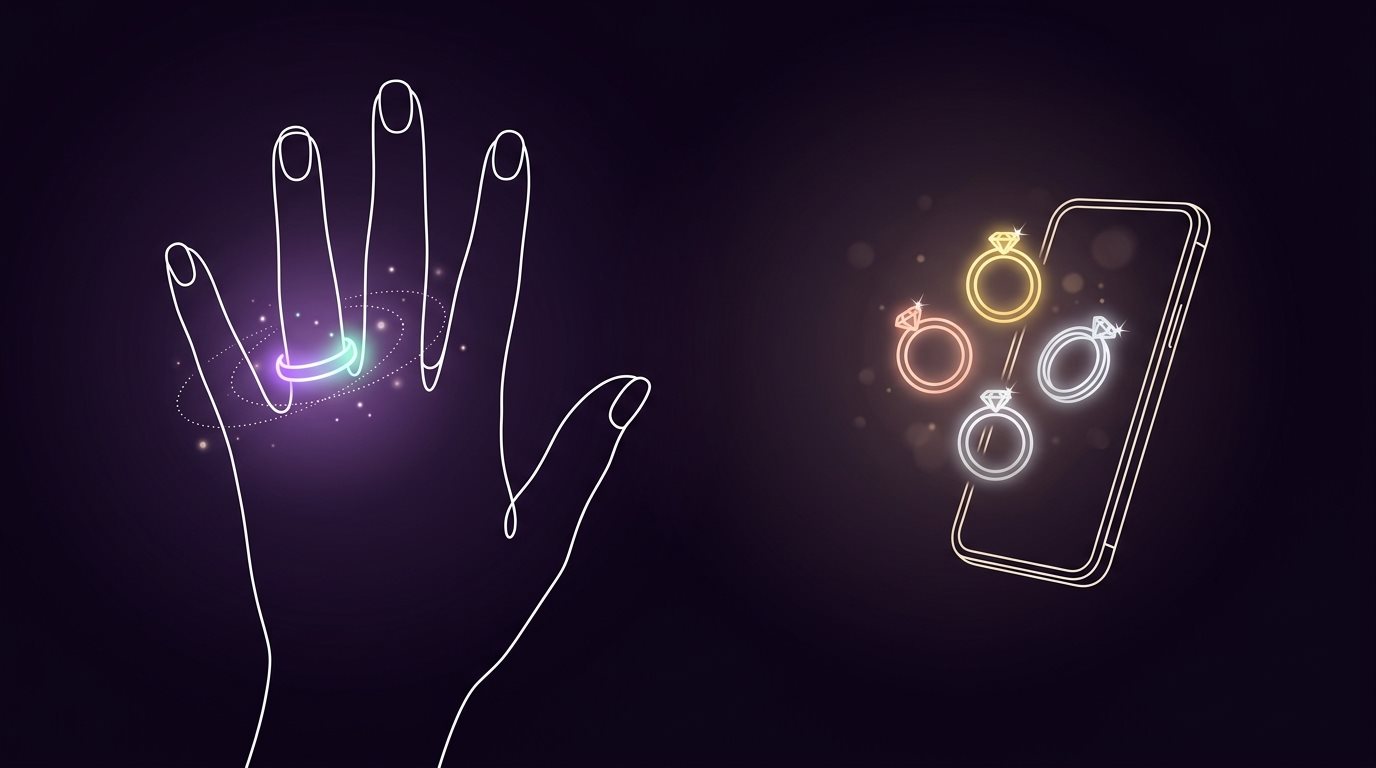
Buying a ring comes with a strange kind of pressure. It's a small piece of jewelry, but it can stand for something much bigger: an engagement, an anniversary, a milestone, or a promise. So choosing one isn't always as simple as finding a pretty design and clicking "buy."
The problem gets even trickier when you're shopping online. You can look at dozens of photos, zoom in on every detail, and read all the specifications, but there's still one thing you can't see: how that ring will look on your own hand.
That gap is exactly why Ring Try On exists. It lets you see a ring on your own hand before you buy it or visit a store, and you can start your ring try-on for free.
Let's get into it!
What Is Ring Try On, Exactly?
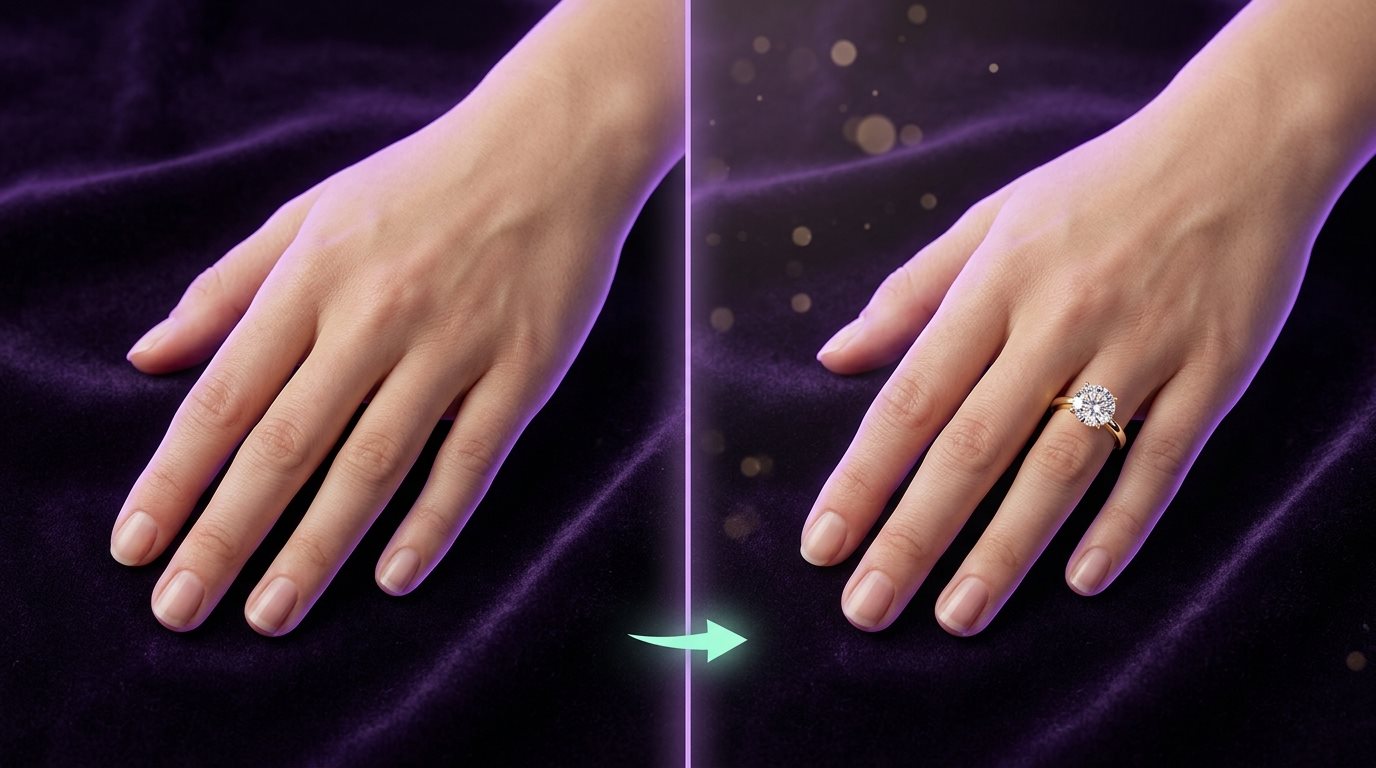
Ring Try On is a way to actually see how a ring might look on your own hand before you buy it. Instead of looking at a ring on a model or staring at a product photo and trying to picture it on your finger, you can see a preview using your own hand.
All you need is a clear photo of your hand and the ring you want to try. You can choose a ring from our gallery or upload a photo of a ring you found online. The tool then creates a preview showing the ring on your finger.
AI does most of the work in the background. It looks at your hand, finds the right finger and position, and places the ring where it would naturally sit. It can also adjust things like the angle, size, lighting, and shadows so the ring looks like it's really there instead of just being placed over the photo.
You can also try as many styles as your credits allow. Try rings with different stone shapes, band styles, or metal colors and compare them on the same hand photo, all without visiting different stores or buying multiple rings just to see what works.
How Can You Try a Ring on Your Hand for Free?
The process is pretty simple. You don't need a physical ring or a trip to a jewelry store. You just need a clear photo of your hand and the ring you want to see. Most virtual try-on tools follow a similar process: choose a ring, add your hand photo, and let the tool create the preview.
1. Take a Clear Photo of Your Hand
Start by taking a photo of the hand you want to try the ring on. Good lighting makes a big difference, so take the picture somewhere bright and make sure your fingers are clearly visible. Try to keep your hand in a natural position and avoid blurry or heavily filtered photos. The clearer the photo, the easier it is to create a believable preview.
2. Upload Your Hand Photo
Next, upload the photo to Ring Try On. On a phone, you can pick one from your gallery or snap a new one. This photo becomes the base for the try-on, so the tool can identify your hand and place the ring on the right finger.
3. Choose or Upload the Ring
Now choose the ring you want to try. You can pick one from the gallery or upload a photo of a ring you've already found online. This is especially useful when you already have a particular ring in mind and want to see it on your own hand instead of starting from scratch.
4. Generate Your Virtual Try-On
Once your hand photo and ring are ready, generate the preview. AI analyzes the image and places the ring on your finger, taking its position and angle into account. You can also adjust the ring's size and position so you get a better idea of how it would sit on your finger.
5. Try Different Rings
This is where it gets useful. You don't have to settle for the first design you see. Try rings with different stone shapes, band styles, settings, or metal colors and compare them using the same hand photo. Seeing the options one after another can make the decision much easier than looking at separate product photos.
And that's all it takes: take a photo, choose your ring, and see it on your hand before you buy it.
Which Ring Style Actually Looks Best on You?
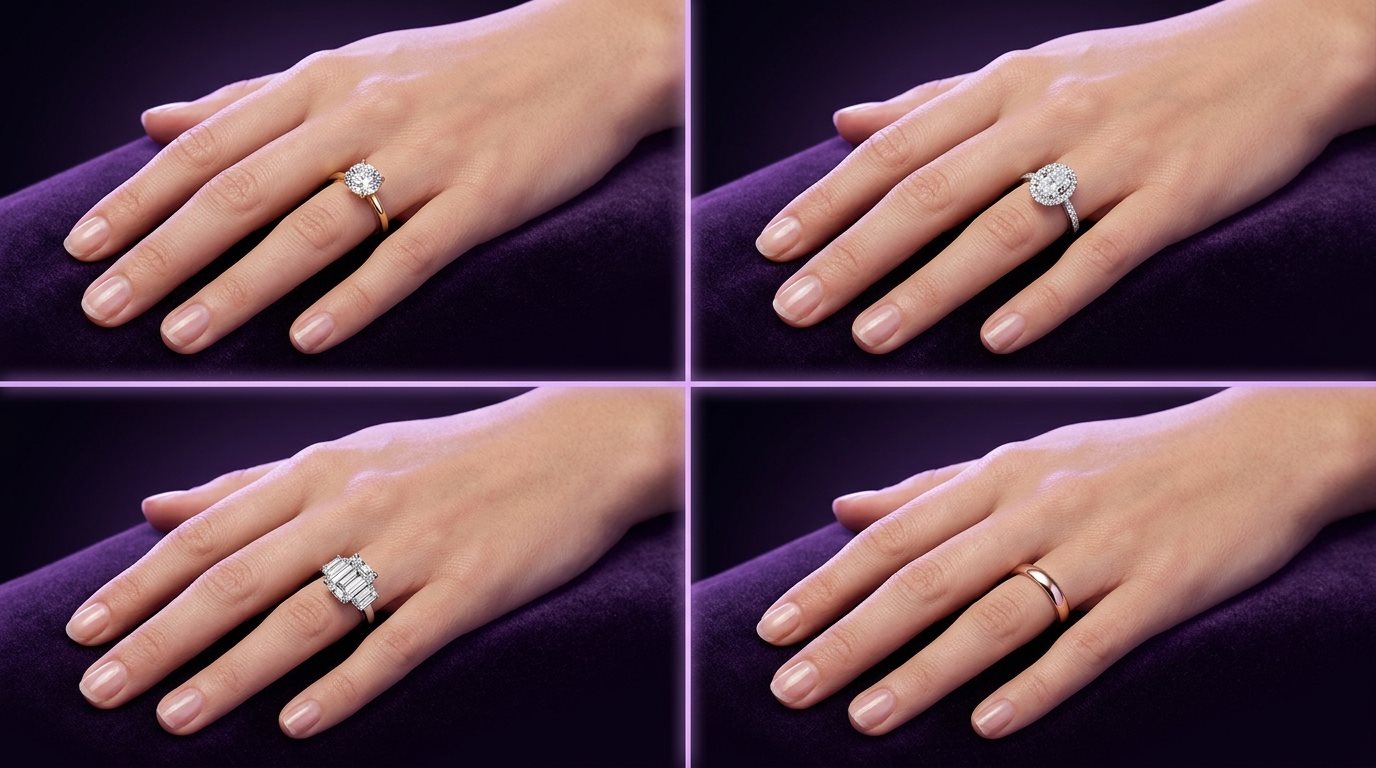
A ring can look great in a product photo but look quite different once you see it on your own hand. You can look at the ring shape and design, setting, stone size, band width, and metal color to get a better idea of how the complete ring looks on you. Here's how to judge each part.
Ring Shape and Design
Start with the overall design. You might prefer a simple band, a detailed ring, a classic style, or something more decorative. If the ring has a stone, you can also compare different shapes such as round, oval, pear, marquise, emerald, or cushion.
The useful part is seeing those designs on the same hand instead of judging them from separate product photos.
Ring Setting
The setting can change the entire appearance of a ring. A solitaire keeps things simple, while a halo adds more detail around the center stone. A three-stone design gives you a different balance, and a bezel setting has a more enclosed look.
Trying these styles virtually lets you see how much the setting changes the finished ring, rather than judging the setting from a close-up product image alone.
Stone Size and Proportion
If the ring has a gemstone or diamond, you can compare different sizes too. A stone that looks large in a product photo may feel different when you see it in proportion to your own finger.
Size is only one part of it, though. The setting, band width, and overall design can change how prominent the stone appears.
Band Width and Details
The band is easy to overlook when you're focused on the center of the ring. Try a thinner band and a wider one and you'll quickly see how much the overall design can change.
You can also compare plain bands with designs that include small stones, engraving, twists, or other details, depending on the rings you're trying.
Gold, Silver, and Other Metal Colors
Ring Try On isn't limited to diamond rings or engagement rings either. You can compare different metal colors and finishes, including yellow gold, white gold, rose gold, and platinum, plus silver or anything else you upload a photo of.
Seeing the complete ring against your hand gives you more information than looking at a small metal-color sample. You can see how the metal, stone, band, and rest of the design come together.
The Overall Look
Sometimes you can't explain exactly why you like one ring more than another. You just see the two options and one feels more like your style.
That's why comparing the complete ring matters. You're choosing the whole piece, so the diamond, band, metal, and setting all have to work together.
Ring Try-On for Free: A Quick Verdict
So, can you really try on a ring for free? Yes, but "free" can mean different things depending on the tool.
Some ring try-on tools let you create a few free previews, while others may give you free access with limits. For example, Ring Try On currently gives 2 free credits after signup, so you can try the feature without paying upfront.
The important thing is not to assume that "free" means unlimited try-ons forever. Before you start comparing rings, check how many free tries you get and whether a payment is required after those credits are used.
But if your goal is simply to see how a ring looks on your own hand before buying it, a free try-on can be a useful first step. You can test different ring styles, compare them on the same hand photo, and get a much clearer idea of what you like, all before spending money on the actual ring.
Quick verdict: ring try-on can be free to start, but always check the tool's limits. The real benefit is being able to see the ring on your hand before making a purchase.
Final Word
Choosing a ring gets a lot easier when you don't have to rely on your imagination. Instead of looking at a ring on a model and wondering how it will look on your own hand, a ring try-on lets you see a preview first.
You can test different styles, compare them, and quickly rule out the ones that don't feel right. It can't replace checking the actual ring, although it can make the decision much less of a guessing game.
So before you buy, try it on your hand first. You might be surprised which one you end up liking.
FAQs
Do I need to download an app to try on a ring?
Not necessarily. Many ring try-on tools, including Ring Try On, work through a web browser, so you can use them on your phone, tablet, or computer without installing an app. You usually just upload a photo of your hand and follow the try-on steps.
Can I try on a ring I found on a different website?
That depends on the tool. Ring Try On lets you upload a ring image instead of choosing only from its gallery, so you can use a clear photo of the ring you found online and see how that design looks on your hand.
Will a virtual ring try-on tell me my actual ring size?
No. A virtual try-on is mainly for seeing how the ring looks on your hand. It can give you a visual idea of the ring's size and proportions, but it shouldn't be treated as an exact ring-size measurement. You'll still want to get your finger measured before ordering.
Is ring try-on really free, or are there hidden costs?
This depends on the platform. Some tools offer free try-ons, while others give you limited free credits before charging for additional previews. So don't assume that "free" means unlimited, and check what's included before you start. For example, Ring Try On currently offers 2 free credits after signup.
Can I use ring try-on for something other than an engagement ring?
Yes. Virtual try-on isn't limited to engagement rings. Depending on the tool, you can preview wedding bands, gold or silver rings, gemstone rings, fashion rings, and other designs. The basic idea stays the same: use your hand photo to see how the ring looks before you buy it.
Find Your Perfect Ring in Seconds
Stop guessing and start seeing. Our AI-powered virtual ring checker analyzes your preferences to reveal the perfect diamond for you. It's fast, fun, and finds your fit.
Try Our AI Checker Now