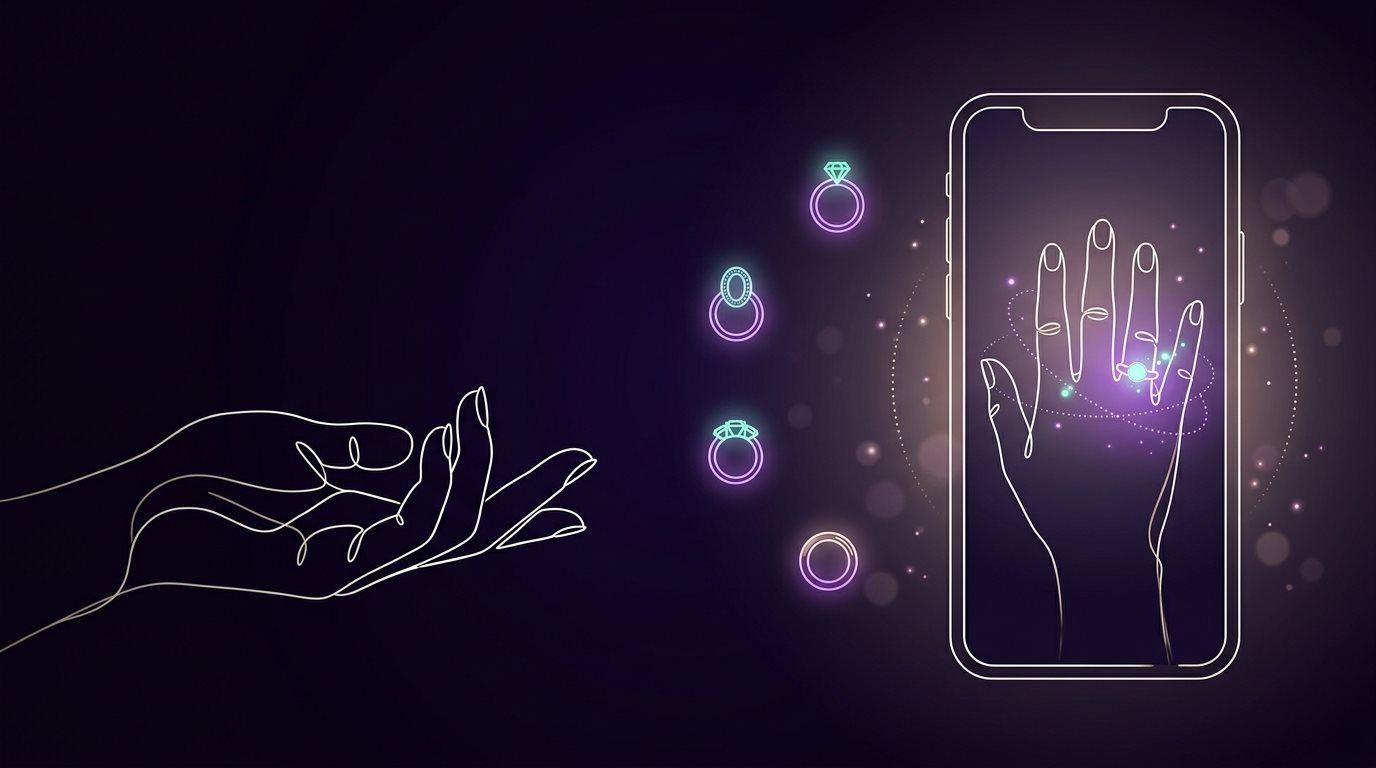
Buying a ring online can feel like a make-or-break moment. You find one you love, place the order, and then wait, hoping it actually looks as good on your hand as it did on your screen. If it doesn't, you're suddenly dealing with returns, shipping and refunds. Worst of all, there's the disappointment of realizing it just isn't the one.
And honestly, guessing isn't really your fault. Ring photos are designed to look their best: perfect lighting, carefully chosen angles, and a hand model that obviously isn't yours. A beautiful product photo still can't show you how that same ring will look on your hand.
That's where a free online ring try-on can make things much easier. Instead of buying several rings just to figure out which style suits you, you can virtually try different designs, stone shapes, and looks before spending anything.
Let's get into it!
Why Buying a Ring Online Is Riskier Than It Looks
There's no doubt that online shopping is fast and convenient. But when it comes to jewelry, buying from a screen can come with a few real surprises.
The stock photo illusion. Those gorgeous product photos are designed to sell you the ring, so they only ever show it at its best. Jewelers shoot them under perfect studio lighting, on a professional hand model whose hand shape and skin tone are nothing like yours. A ring that looks stunning there can look completely different once it's on your own hand.
Proportion and size regrets. Try picturing exactly how big a 1.5-carat oval diamond is going to look on your hand, or how chunky a 6mm band is going to feel. Pretty hard, right? A lot of people see the carat weight, assume they've got a sense of scale, and then get a real surprise once it arrives. What looked delicate on screen can suddenly feel bulky once it's real.
The dreaded return loop. Order the wrong style, and now you're repackaging it, paying for insured return shipping, maybe eating a restocking fee, and waiting weeks to get your money back, all because a photo didn't tell you the whole story.
How Online Ring Try-On Helps You Avoid These Problems
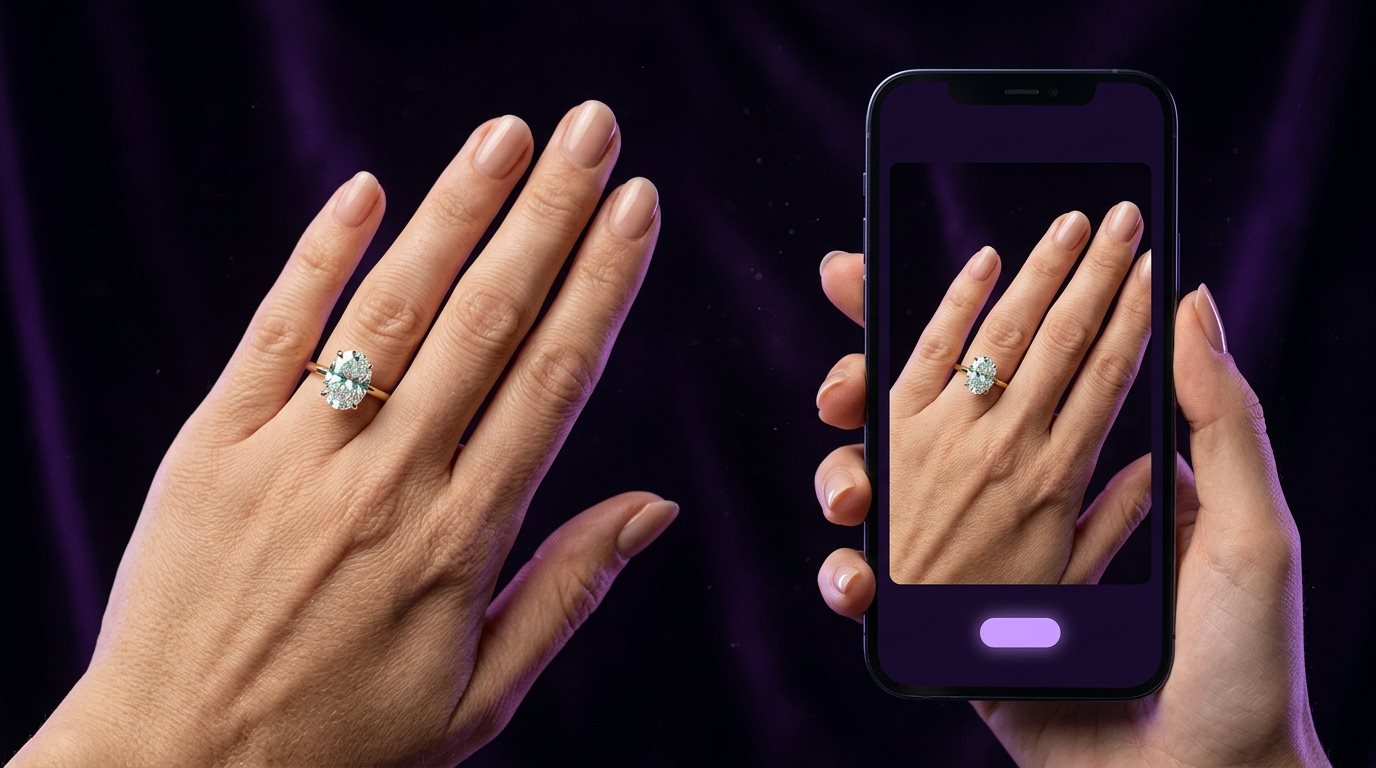
This is where online ring try-on really helps. It won't tell you everything about a ring, but it does solve one of the biggest problems with shopping online: you can't see the ring on your own hand.
Instead of looking at a model's hand and thinking, "I wonder how that would look on me?", you can use your phone camera or upload a photo of your hand and see a virtual version of the ring on your finger.
And suddenly, the decision feels a lot less like a guess.
See the Ring on Your Own Hand
A product photo can show you every detail of a ring, but it's still someone else's hand. With a virtual try-on, you get to see the same design in your own context. You can see whether the stone and band look right together on your finger rather than trying to picture it in your head.
Get a Better Idea of the Size
Carat weight and band measurements can tell you the numbers, but numbers don't always help you picture the final look. Try the ring virtually and you may notice that the stone looks bigger than you expected, the band feels visually wider, or the whole design looks more delicate than you imagined. It won't tell you the exact physical fit, but it gives you a much better idea of the proportions before you order.
Avoid the "This Isn't What I Expected" Moment
This is probably the biggest win. Instead of ordering a ring, waiting for it to arrive, opening the box, and thinking "Hmm… this looked different online," you can test a few options first.
You might even discover that a different ring beats the one you thought was your favorite. That's the beauty of trying before buying, because you can change your mind while it costs you nothing.
How to Try a Ring Online
The good thing about a ring try-on online is that you don't need to make the process complicated. In most cases, you just need a ring you like, a clear photo of your hand, and a few minutes to compare your options.
Pick Your Ring and Add Your Hand
Start with the ring you want to try. Some tools have their own collection to choose from, while others let you upload a ring photo you've saved from a jewelry website or social media. Then, add a clear photo of your hand. Keep your finger visible, use decent lighting, and avoid blurry photos.
If the tool supports live camera try-on, you can skip the photo and simply hold your hand in front of your phone's camera.
See It, Adjust It, Try Another
Once the tool places the ring on your finger, take a proper look. Does the stone seem too large? Does the band look wider than you expected? Does the metal color work with the overall look?
Then try another one, since this is where virtual try-on becomes useful. You can switch between round and oval stones, different band styles, or different metal colors without buying anything just to compare them.
Narrow Down Your Favorites
After trying a few, save the ones you genuinely like. Seeing them together makes it easier to spot which designs keep catching your eye and which ones looked better in the product photo than they do on your hand.
Just remember: a virtual preview helps you judge the look, not the complete physical experience. Before ordering, confirm your actual ring size, materials, stone details, and the seller's return policy.
Where to Try On Rings Online for Free
So, where can you try a ring online without paying right away? You have a few options, and they don't all work in the same way. Some let you upload your own ring photo, while others have rings ready for you to try.
RingTryOn.com is a simple option if you want to use your own hand photo and experiment with different rings. It currently offers free credits to get started.
VizStudio is handy if you've already found a ring somewhere online. You can upload a photo of your hand and the ring to create a virtual preview.
Dreamina lets you create virtual ring previews from your own images and offers free credits to start experimenting.
Perfect Corp. Virtual Ring Try-On is a browser-based option with more advanced try-on features, including hand tracking and ring stacking. It's also technology that jewelry brands can add to their own websites.
Ring Try On: Engagement Ring is a dedicated app where you can upload ring photos and experiment with different stone shapes and metal colors.
The nice thing is that you don't have to stick with just one. Try a few, see which one gives you the most natural-looking result, and then use it to narrow down your favorites. Just check the free limits first, since some tools offer free credits rather than unlimited try-ons.
Pro Tips for the Most Realistic Results
Want your ring try-on online free experience to look believable? A few small things make a bigger difference than you'd think.
Use natural daylight. Skip the dim room or harsh overhead lights. Natural daylight, ideally near a window, is what lets the software render your skin tone, shadows, and reflections accurately. Bad lighting is the number one reason a try-on ends up looking a little off.
Keep your hand relaxed. Lay it flat, fingers spread naturally, nothing clenched or bent awkwardly. A tense hand throws off how the ring sits, so relax it like you're setting it down on a table.
Still get properly sized separately. Ring try-on online free tools are great for testing style, scale, and metal color, but none of them measure your actual finger circumference. So once you've found "the one," grab a printable ring sizer or a proper sizing tool before you place the order.
Final Word
Buying a ring should feel like an exciting milestone, not a leap of faith. You're spending real money on something you'll wear every day, so you deserve to see it before it shows up at your door, not after. That's the whole point of ring try-on online free tools: they close the gap between what you're picturing and what you're actually getting, without costing you anything.
You don't need to be techy about it either, since all it takes is a clear hand photo, a couple of taps and a few minutes. Take every setting, metal and stone for a test run before spending a cent.
So next time a ring catches your eye, skip the "add to cart and hope" routine. Snap a quick photo of your hand, try it on first, then buy knowing it's the one.
FAQs
Is ring try-on online free actually free?
For the most part, yes. Most tools let you try on rings without paying anything. A few run on free credits, and once you use those up you'd need to pay for more. It's worth checking before you assume it's unlimited.
Do I need to download an app for this?
Not usually, because most tools work right in your browser. Upload a photo or turn on your camera, and you're good. There are apps too, if you'd rather have something on your phone.
Can I try on a ring I found somewhere else, not just from the tool's own catalog?
Yes, several tools support this. Found a ring on Pinterest or somewhere else online? Upload that photo along with a photo of your hand, and it blends the two together into a preview.
Will this tell me my actual ring size?
No, and this is where people get caught out. These tools are great for seeing style, scale, and metal color, but they can't measure your actual finger. Always grab a real ring sizer before you order.
How realistic do these previews look?
It depends on the tool, but the good ones are convincing. They track your hand properly and match the lighting, so the ring looks like it's being worn instead of stuck on top. A clear, well-lit hand photo makes a big difference too.
Find Your Perfect Ring in Seconds
Stop guessing and start seeing. Our AI-powered virtual ring checker analyzes your preferences to reveal the perfect diamond for you. It's fast, fun, and finds your fit.
Try Our AI Checker Now